

Technology has become an incredible way to connect with loved ones, explore new hobbies, and maintain independence, especially for older adults. Whether it’s a heartfelt video call, a daily crossword puzzle, or streaming a favorite TV show, tablets can open doors to a world of opportunities for seniors.
At Americare Senior Living, we’ve seen how the right technology can bring joy and connection into everyday life. Let’s explore the best tablets for seniors, including features and apps that make staying connected and independent easier than ever.
Why Technology Matters for Seniors
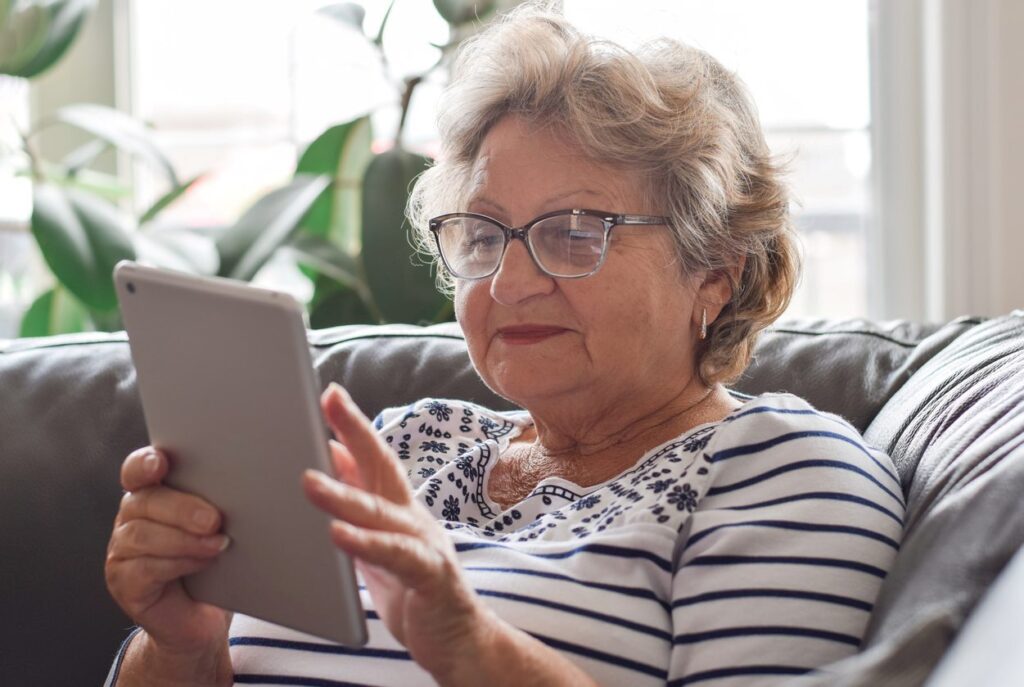
For seniors, technology is much more than a convenience—it’s a way to stay engaged, connected, and in control of daily life. Tablets, in particular, offer a user-friendly way to bridge the gap between generations, explore hobbies, and access tools that support health and wellness.
In long-term care communities, tablets can help residents connect with family, play stimulating games, and learn new skills. With intuitive features like large screens, voice commands, and magnified text, these devices are designed to make technology accessible and enjoyable for everyone.
Top Recommendations: The Best Tablets for Seniors
Choosing the right tablet means considering your loved one’s comfort level with technology, as well as features that make navigation easy and enjoyable. Here are some of our top recommendations:
GrandPad Tablet
The GrandPad tablet is built specifically for seniors, making it a great choice for those new to technology. Features include:
- Specifically designed for seniors
- Large buttons and a simple interface for easy navigation
- Preloaded video call, game, email, internet browsing, photo sharing, and music apps
- 24/7 customer support for questions or issues
- Stylus pen for assisted navigation
Apple iPad
Ideal for seniors somewhat familiar with technology, the Apple iPad:
- Comes in a variety of sizes, from 8.3 to 13-inch options
- Known for its intuitive design, user-friendly interface, and great accessibility features
- Preloaded video call, game, email, internet browsing, photo, and music apps
- Great for moderately tech-savvy seniors who want access to a wide range of apps
Amazon Fire HD 10
Features of a great budget-friendly option, the Amazon Fire HD 10, include:
- Large 10-inch screen, great for reading and streaming
- Built-in basic communication apps with Alexa voice integration
- Budget-friendly and durable
- User-friendly interface, long battery life, and extensive accessibility features
Samsung Galaxy Tab A8
Great for seniors seeking versatility, the Samsung Galaxy Tab A8 offers a range of features:
- Budget-friendly and lightweight
- User-friendly interface with a large, clear screen
- Long battery life
- Offers split-screen capabilities for multitasking
- Preinstalled apps for communication, camera, music, games, and internet browsing
Microsoft Surface Go 3
For seniors who want productivity and entertainment, the Microsoft Surface Go 3 features:
- Large screen with vibrant visuals
- Long battery life and lightweight
- Great for seniors looking for more robust productivity options, like note-taking
- Comes with pre-downloaded apps for email, internet browsing, calendar, email, and photos
Apps That Enhance Staying Connected and Independent
Communication Apps
- Video call apps. Skype, Zoom, and WhatsApp
- Email apps with simplified interfaces. Gmail, BlueMail, GrandPad Messaging, and Outlook (Simplified Version)
- Messaging apps with simplified interfaces. WhatsApp (Simplified), Signal, and Facebook Messenger Lite
Health and Wellness Apps
- Medication reminder apps. Medisafe, Pill Reminder and Med Tracker
- Doctor appointment reminder apps. Google Calendar, Medical Reminder, and Round Health
- Senior-friendly fitness apps. SilverSneakers GO and Tai Chi Fit OVER 50
- Nutrition apps for seniors. AARP Personalized Nutrition, Cronometer, and MyFitnessPal
Entertainment and Learning Apps
- Apps for reading. Amazon Kindle, Google Play Books, and Libby
- Puzzles and brain games apps. Lumosity, Peak, Elevate, and Wordscapes
- Streaming service apps. Netflix, Hulu, Disney+, and Amazon Prime Video
- Games for fun and stimulation. Words with Friends, Solitaire, Bingo Blitz, and Candy Crush Saga
Making Technology Part of Daily Life
For seniors, using a tablet can feel like opening a new chapter—one filled with connection, creativity, and independence. At Americare, we incorporate technology into daily life in ways that feel natural and enriching.
For example:
- Residents use tablets to video call with family, bridging the miles with smiles and stories.
- Group activities include tablet-based brain games, where residents can challenge themselves and enjoy friendly competition.
- Health apps remind seniors about medications or appointments, fostering independence and peace of mind.
- Our team is always on hand to help residents navigate their devices, including phones, ensuring that technology becomes a tool for joy rather than a source of frustration.
The right tablet can do more than connect seniors to the digital world—it can empower them to live more fully, maintain independence, and build stronger connections with family and friends.
At Americare Senior Living communities, we’re dedicated to providing tools and programs that help residents thrive. Whether it’s creating personalized care plans, integrating technology into daily routines, or offering compassionate support, we’re here every step of the way.
Are you or a family member looking for a warm, nurturing, and pet-friendly senior living community? Americare is here for you in Missouri, Kansas, Tennessee, Illinois, and Mississippi. To speak with a friendly team member, contact us or explore our FAQ page on our website to learn more about our unmatched care.